Datasette Apps Plugin Adds Sandboxed HTML/JS Apps with Stored Query Write Support
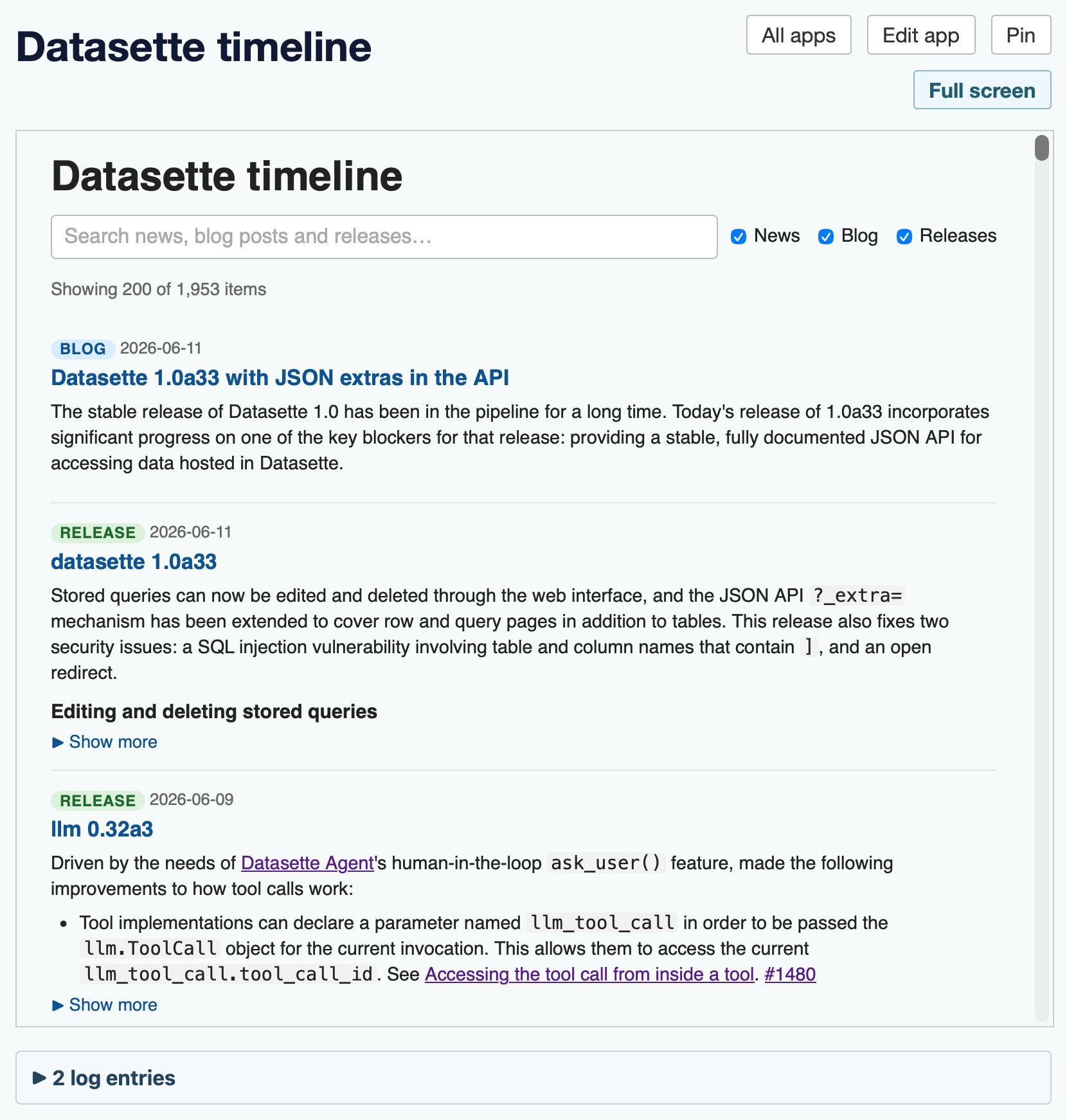
Create a Datasette App by defining an iframe with sandbox and using stored queries for write access.
Define your app's iframe sandbox, set up stored queries for writes, and test query execution and error logging in Datasette Apps.
Summary
Datasette launched the Datasette Apps plugin, allowing self‑contained HTML+JavaScript applications to run in sandboxed iframes within a Datasette instance. Apps run in iframes with sandbox="allow‑scripts allow‑forms" and a CSP header that restricts external HTTP requests. They can perform read‑only queries via the JSON API, and write operations are enabled through stored queries, which are explicitly allow‑listed for each app.
The plugin supports visible logs for queries and errors, uses postMessage or MessageChannel for communication, and was inspired by Claude Artifacts. It expands Datasette's flexibility for custom frontends and demonstrates how to integrate stored queries for conditional writes while maintaining security through sandboxing and CSP.
Key changes
- Introduced Datasette Apps plugin for sandboxed HTML+JS apps
- Apps run in iframes with sandbox="allow‑scripts allow‑forms"
- CSP header prevents external HTTP requests
- Apps can perform read‑only queries via JSON API
- Write operations enabled via stored queries
- Visible logs for queries and errors
- Uses postMessage/MessageChannel for communication
- Inspired by Claude Artifacts and enhances Datasette flexibility