LangSmith Regression Testing with LangSmith
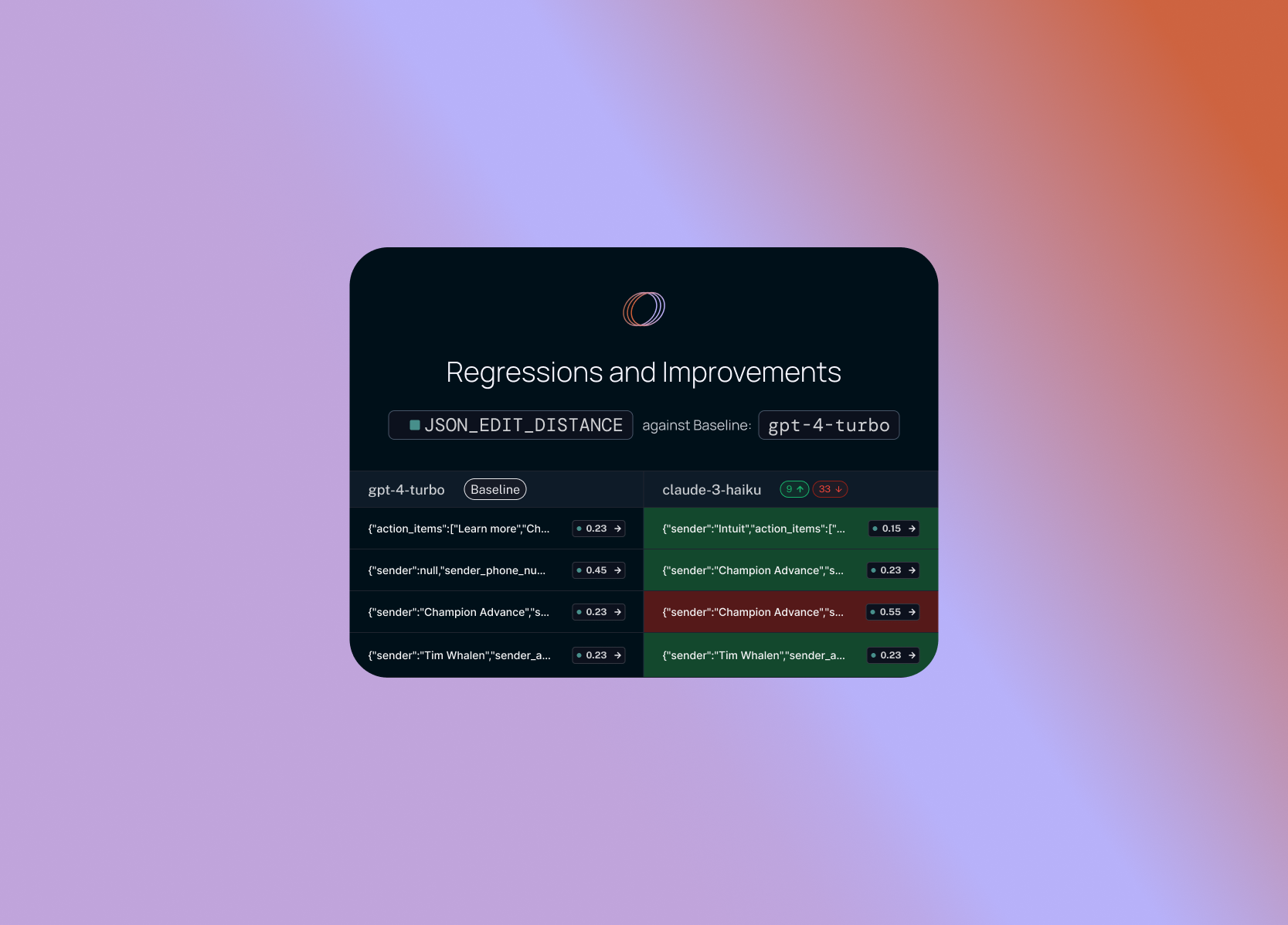
Use LangSmith Comparison View to compare multiple runs.
Use LangSmith Comparison View to compare multiple runs.
Summary
The article explains how LangSmith’s new regression testing features enable developers to compare multiple evaluation runs side‑by‑side, addressing the challenge that AI models rarely achieve 100 % pass rates. The Comparison View lets users select any number of runs, view all results simultaneously, and filter by metrics, latency, or text. Display options allow toggling between high‑level overviews and detailed per‑datapoint views.
Baseline runs are highlighted, and cells are shaded green or red to indicate improvements or regressions relative to the baseline. Users can filter to only datapoints that changed by a threshold, drill into specific rows, and expand them for a holistic view of how different runs performed on that example. The feature streamlines the process of identifying which inputs caused performance shifts, enabling faster iteration.
By providing a visual comparison of multiple runs, LangSmith helps teams maintain confidence in their LLM applications while continuously refining prompts and models. This approach also supports tracking regression over time, a key requirement for production‑grade AI systems.
Key changes
- Comparison View lets users select any number of runs and view all results side‑by‑side.
- Display options allow toggling between high‑level overviews, detailed text, and latency metrics.
- Baseline runs are highlighted; cells shaded green/red to indicate improvements or regressions.
- Filters enable focusing on datapoints that changed beyond a threshold.
- Rows can be expanded for a holistic view of each run’s performance on that example.
- Supports LLM‑assisted scoring and manual inspection of datapoints.
- Facilitates quick identification of inputs causing performance shifts.
- Helps maintain confidence in LLM applications while iterating on prompts and models.