WordPress 7.0 Unveils AI Framework, Performance Boosts, New Blocks
Upgrade your WordPress sites to 7.0 to benefit from the new admin UI, visual revisions, new blocks, responsive design controls, and AI connector framework.
Upgrade your WordPress sites to 7.0 and review the new admin UI, visual revisions, block additions, responsive controls, pattern editing, and AI connector settings to ensure compatibility and leverage new features.
Summary
WordPress released version 7.0 on 20 May 2026, marking a decisive shift toward a design‑focused operating system that integrates artificial intelligence directly into its core. The update introduces a native AI framework, featuring the Connectors API and the WP AI Client SDK, which standardise connections to major AI providers such as OpenAI, Google, Anthropic, and others. This allows developers to embed AI capabilities into themes and plugins without relying on third‑party solutions.
Beyond AI, WordPress 7.0 brings a suite of user‑interface enhancements. Fully customisable navigation overlays give designers granular control over menu behaviour, while a content‑only mode for protected patterns simplifies the creation of secure, reusable layouts. Block‑level improvements include a responsive Grid block that adapts across columns, new Breadcrumbs and Icon blocks for richer navigation, and a Gallery block that now supports lightbox navigation. Viewport‑based block visibility lets designers hide or show blocks on specific devices without writing CSS, streamlining responsive design workflows.
Performance gains are a core focus of the release. The minimum PHP requirement has been raised to 7.4, and database handling has been optimised to reduce query load. WordPress now relies less on plugins for core functionality, cutting the overall footprint and improving load times. These changes collectively aim to make the platform faster, more secure, and easier to extend.
The combination of AI integration, UI flexibility, and performance optimisation positions WordPress 7.0 as a powerful tool for developers and designers alike. By embedding AI directly into the core, the platform reduces friction for building intelligent features, while the new block and navigation tools enable more sophisticated, responsive sites. The release is expected to accelerate the adoption of AI‑driven web experiences across the WordPress ecosystem, encouraging a wave of plugins and themes that leverage the new framework.
Key changes
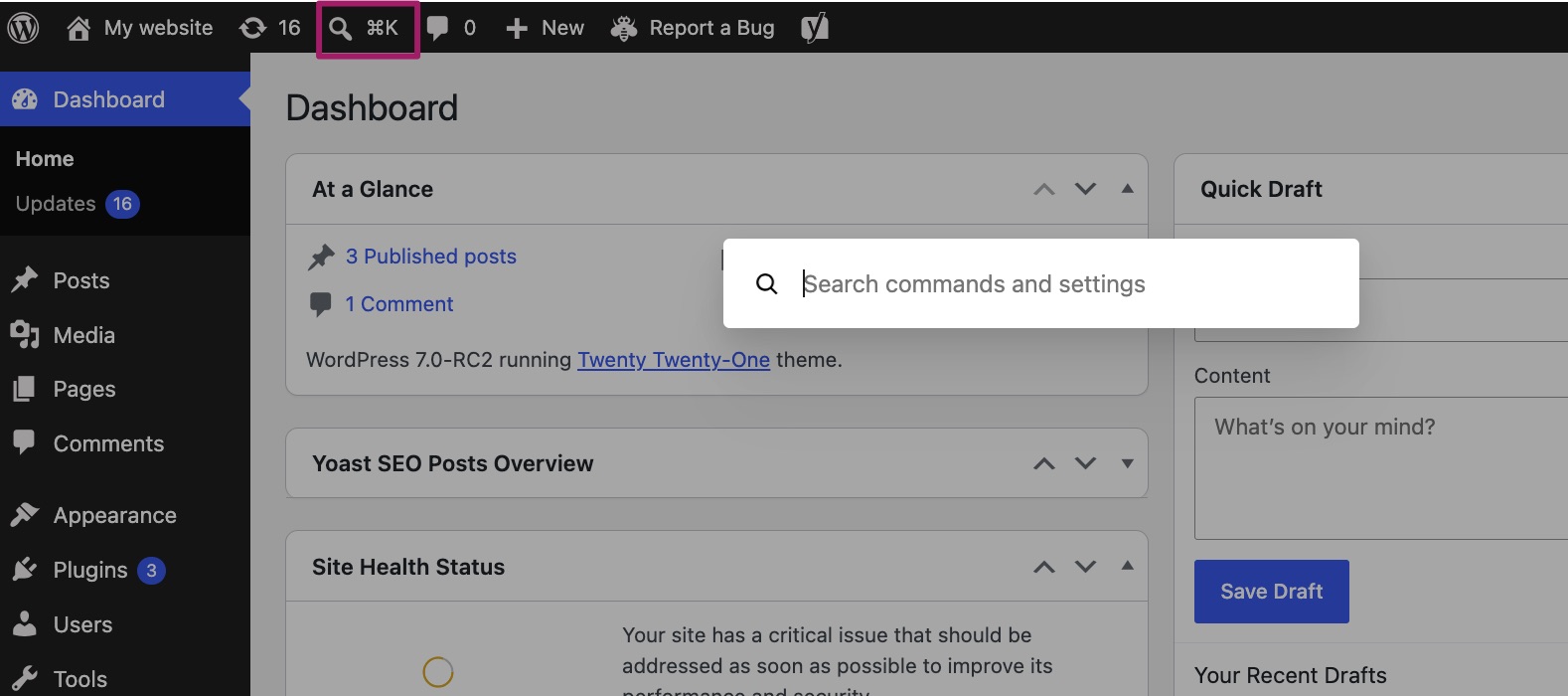
- Admin UI uses CSS View Transitions API and includes a Command Palette (⌘K/Ctrl+K)
- Default admin color palette changed to “Modern”; “Fresh” still available
- Revisions are visual with a slider showing additions in green, changes in yellow, deletions in red
- New Breadcrumbs block auto‑generates navigation paths
- New Icon block pulls icons from a backend directory
- Grid block now offers responsive column options
- Cover block supports embedded video backgrounds
- Viewport‑based controls let you show/hide blocks per device
- Patterns have List View for content elements and Edit mode for design elements
- Connectors section under Settings links external AI providers via API keys