WordPress 7.1 Consistent Navigation with Persistent Toolbar
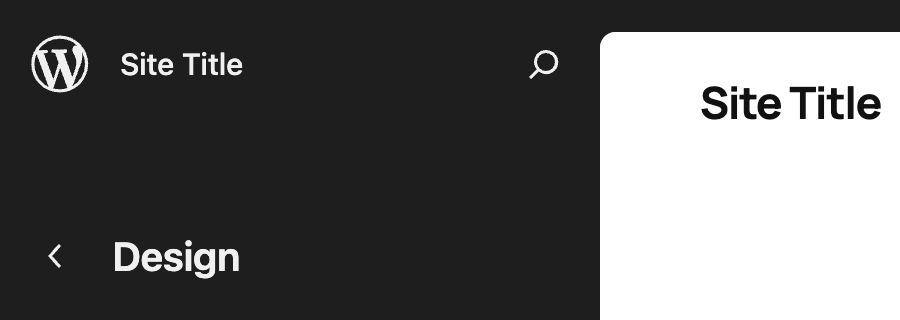
Upgrade to WordPress 7.1 to get a persistent toolbar, dedicated back button, and consistent navigation across the editor.
Patch to WordPress 7.1 and test any plugin toolbar nodes for Site Editor compatibility.
Summary
WordPress 7.1 introduces a consistent navigation model across the admin interface, fixing confusion around the top‑left “W” logo that previously served as a back button. The editor now displays the toolbar like all other screens (except in Distraction Free mode), and the logo is replaced by a dedicated chevron that always returns to the previous screen. When a site icon is set, it appears in the toolbar and the site title remains visible throughout editing, including on the canvas. The persistent navigation layer means the “W” logo always opens the About page, the site icon opens the site menu, and the chevron is the sole back button. Plugin developers must verify that any toolbar nodes they add still work in the Site Editor, and can filter them out with a check on $screen->is_block_editor() or $screen->id == 'site-editor'. The change also adds a new behavior for the Site Editor, which previously had no persistent toolbar.
Key changes
- Toolbar appears in editor like all other screens (except Distraction Free mode).
- “W” logo replaced by a dedicated chevron back button.
- Site icon shown in toolbar when set.
- Site title remains visible throughout editing, including on canvas.
- Persistent navigation: “W” opens About page, site icon opens site menu, chevron always goes back.
- Site Editor gains a persistent toolbar; plugin toolbar nodes must be checked for compatibility.